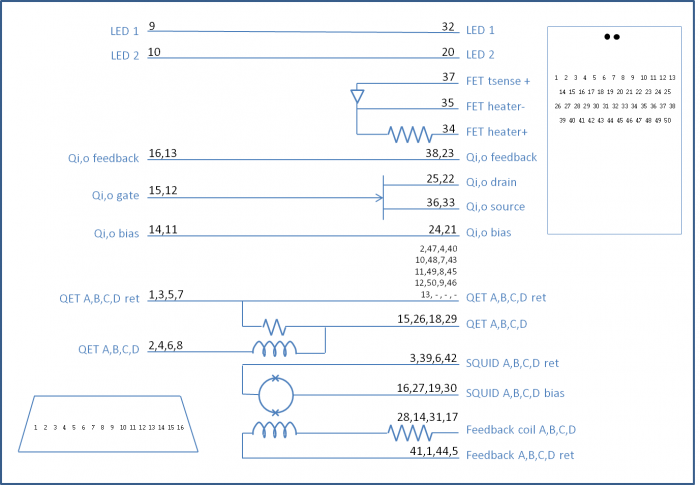
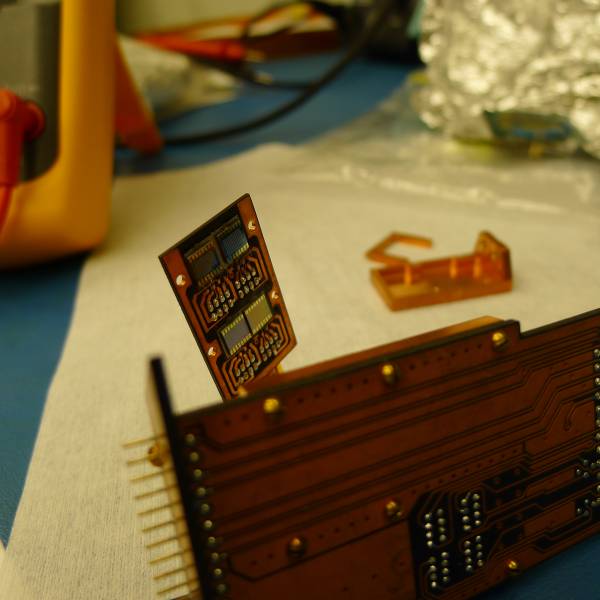
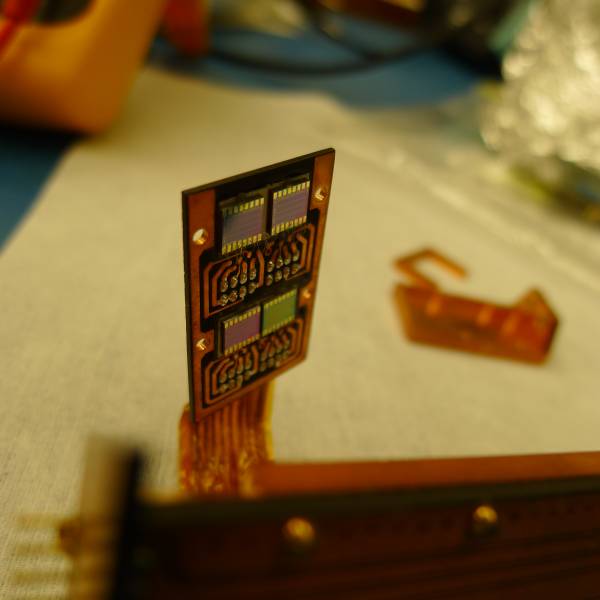
Preparing to investigate bad channel Side1 pF (DIB1pB) on G132 from Run 63. Nothing seemed wrong with this channel at room temperature. Should check the SQUET.
Remove stripline 4K heatsink from bottom of IVC middle can. This was completely disassembled and bagged.
Remove stripline buckle from top of the lip at the bottom of the IVC middle can. Let this dangle at the stripline ends. (Stripline end covers are still in place but will need to be removed to take off upper IVC can)
Remove 30 mK can (this is the can for 100mm detectors). First had to untape thermometer wire from bottom of can.
Remove dental floss and teflon holding the thermometer wire to the MC spool. This was pretty tricky.
Remove MC spool. To loosen the center nut was tricky, we don't have a proper size socket driver. Used a standard wrench instead, held somewhat awkardly. (Update, 2017 Nov 8 - found a 10mm socket in the drill box. This fits in the nut driver in the tool cabinet.)
Remove bottom 100mK shield can
Remove stripline end covers and buckle.
Remove the stripline heatsink at IVC ceiling (IVC stripline hole at bottom of upper IVC can). First mark positions of various pieces and of stripline. There's a piece of copper tape blocking light from the stripline tube, remove this too. After the parts that attach to the IVC ceiling are removed, lower the striplines enough to remove the part that sticks up into the tube. Also mark where these pieces attach to one another and to the striplines. Hold the striplines up to prevent them from falling out of the tube.
Remove upper IVC can. Screws are removed at two indium joints, at stripline tube and at top of IVC. One person beneath holds the striplines to keep them from falling out of tube. After removing this can the striplines can be taped up to the stripline tube to keep from falling out.
Remove upper 100mK shield can from cold plate.
Remove 600mK rod from still plate!