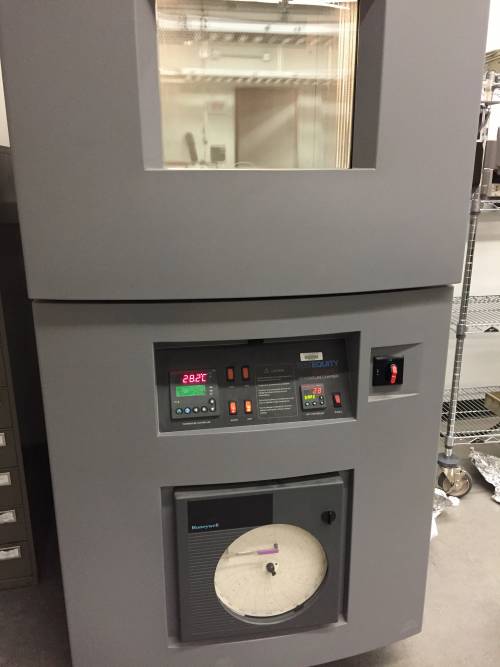
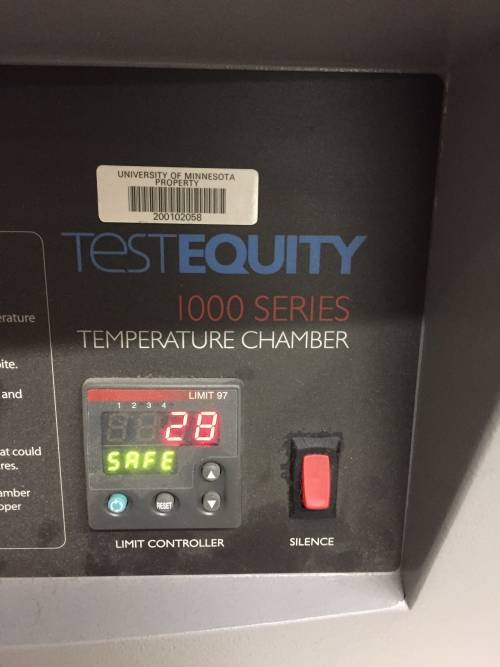
Test Equity 1000 Temperature Chamber
The temperature profile “DMP 01” was programmed, as described in Figure 1. The lower temperature safety limit was set to 10C and the upper limit was set to 85C.
To run the program:
- Turn “Master” switch on
- Press the green “Profile” button on the far left
- Select yes
- Scroll down to DMP01, hit right arrow
- Make sure arrow is on Step 1, hit right arrow again
To terminate program:
- Hold profile button
- Select “terminate”
| Figures 1a and 1b: Pictures of Test Equity Temperature Chamber | |
|---|---|
 }} }} |  }} }} |