30 January 2017
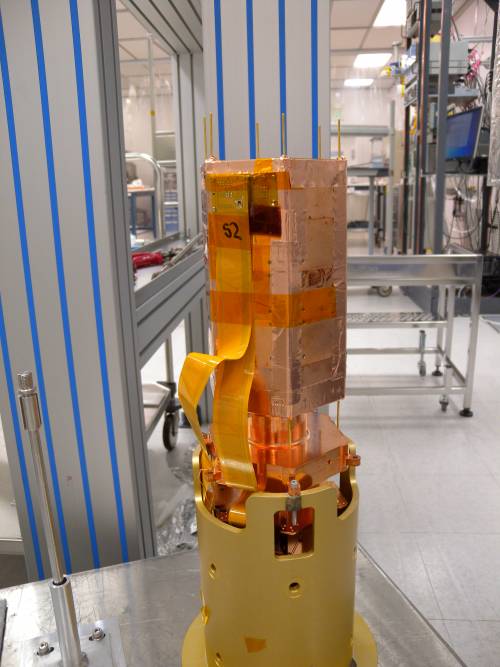 | dscn0528 Engineering tower with brass base |
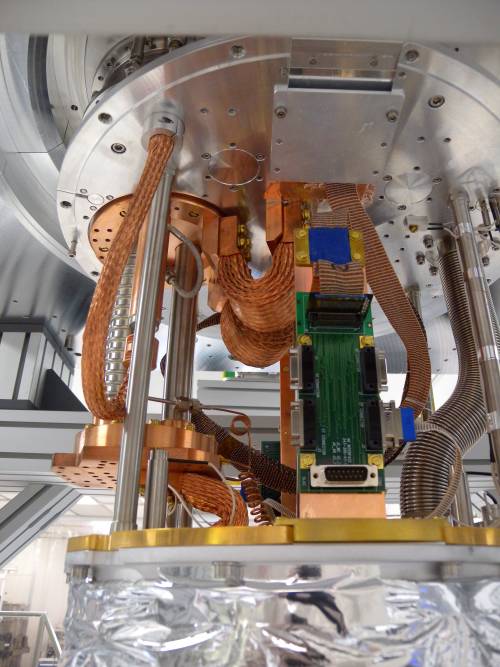 | dscn0529 Readout cable from Ebox goes to 60 K stage splitter board to four smaller cables. Blue epoxy for heat sinking. |
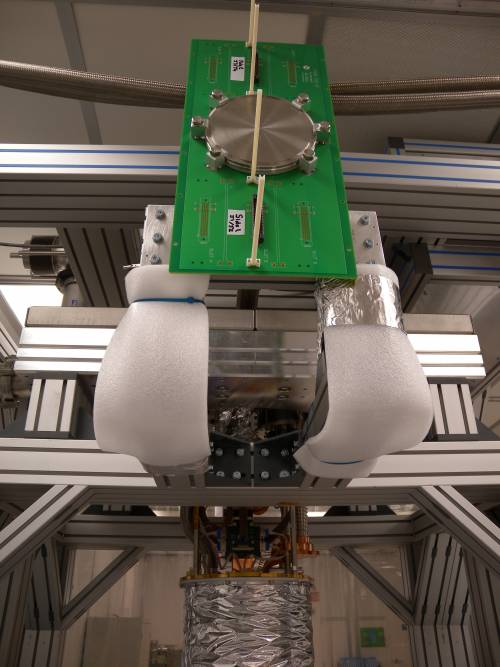 | dscn0530 Ebox with two DCRC plugs |
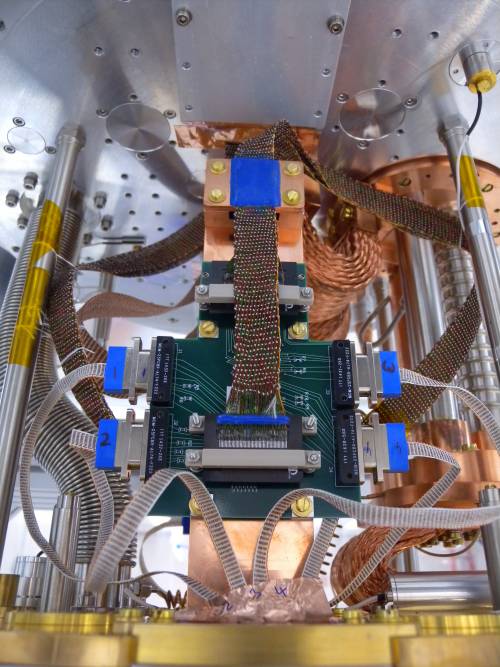 | dscn0531 Readout cable from Ebox goes to 60 K stage splitter board to four smaller cables. Blue epoxy for heat sinking. |
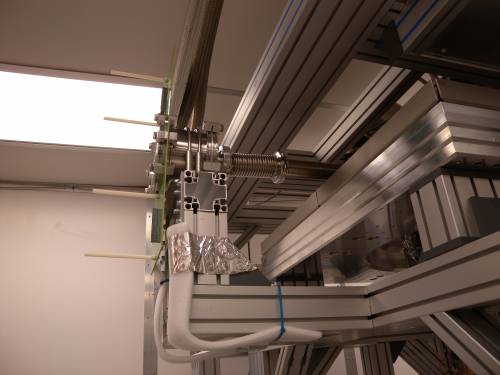 | dscn0532 Ebox side view. Much smaller than ours. |
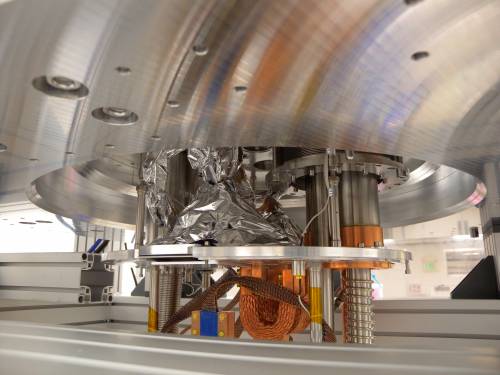 | dscn0533 From room temperature to 60 K stage cables are covered with superinsulation (radiant heat shielding) |
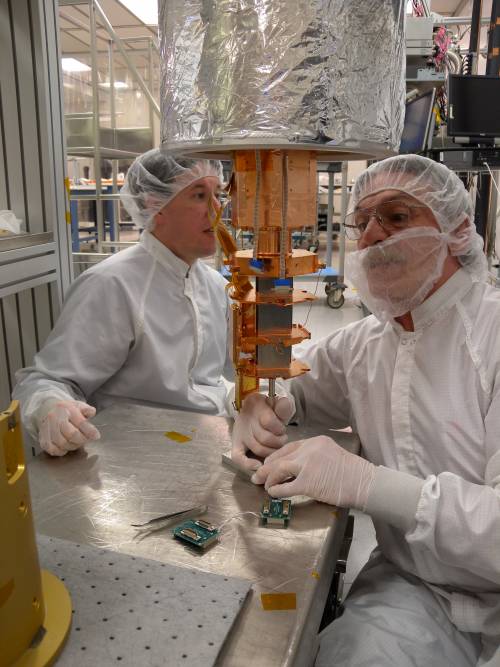 | dscn0534 Insertion rod in tower with small square base. Base rests on elevating platform/cart. Holes in 10mK stage are guided around 3 threaded rods inserted into the threaded holes in the bottom of the 10mK can. Then tower is raised to meet the can and screws are put into the other 3 holes, then the rods are removed and the final 3 screws are inserted. |
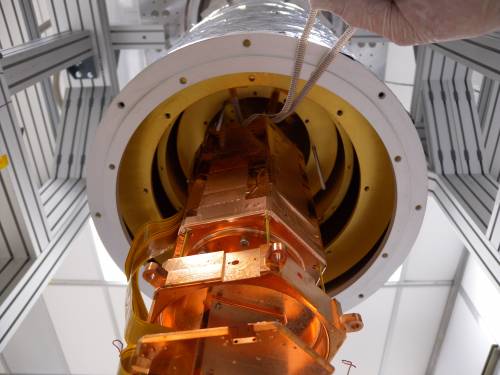 | dscn0535 Tower before raising it to the threaded rods. Cables are taped to outside of shield to keep them out of the way. Horizontal flex cables are a temporary solution for this run (HV#1). |
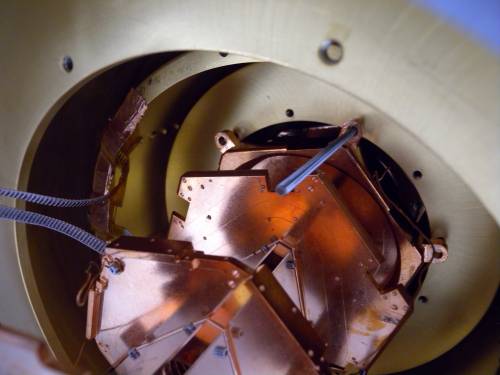 | dscn0536 Cables are taped to bottom of CP can but not heat-sunk here, insulation between cables and can. Instead they are heat-sunk at top of can. The greater length between stages reduces heat load from CP to MC stages. Tower is about to be screwed to 10mK stage. |
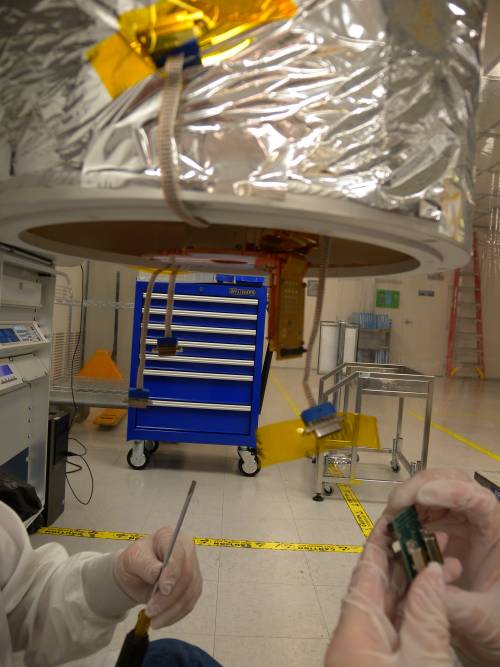 | dscn0537 “Zero-force” connector to tower plug, needs to be tied down so it doesn't fall off. Adapter board to the 4 smaller cables. |
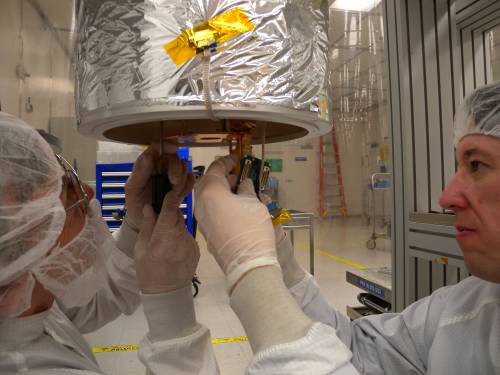 | dscn0538 “Zero-force” connector to tower plug, needs to be tied down so it doesn't fall off. Adapter board to the 4 smaller cables. |
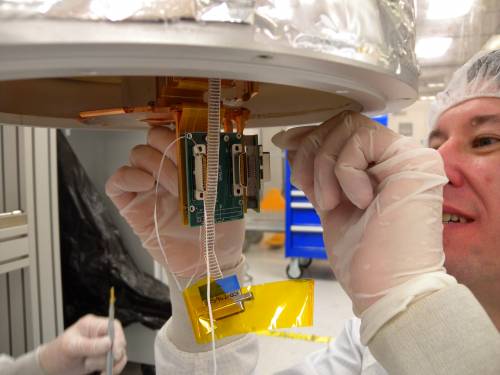 | dscn0539 Tied down with dental floss |
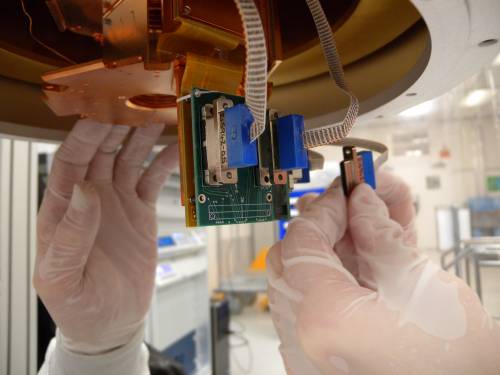 | dscn0540 Small cables plugged in |
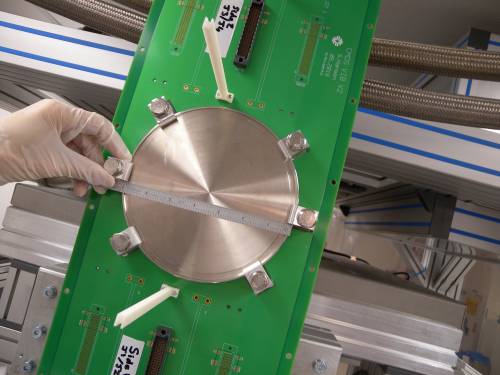 | dscn0541 Ebox flange is smaller than ours I think. ISO flange like ours. This looks like size ISO LF 160, ours appears to be LF 200, 9.45“ OD |
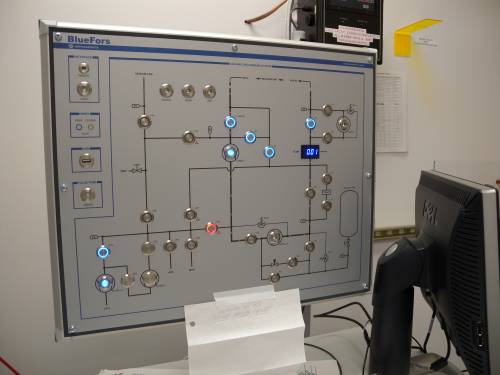 | dscn0542 BlueFors gas-handling system |
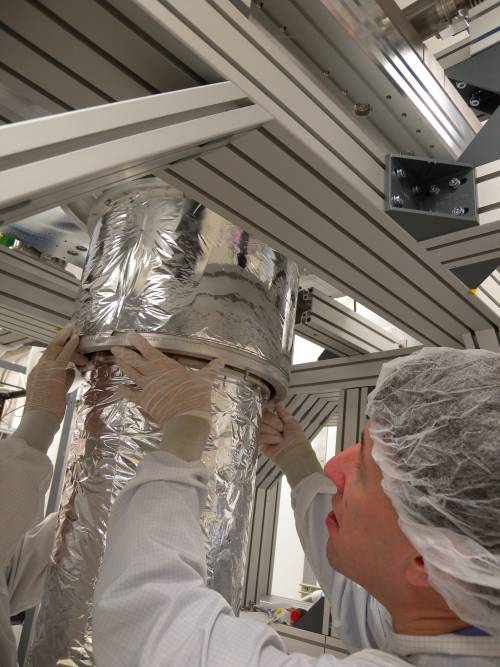 | dscn0543 Installing thermal shield cans. There are two short rods pointing downward from the flange above and corresponding slots in the shield flange, slots are smaller on one side so turning the can keeps it in place. Then you screw the screws in. |
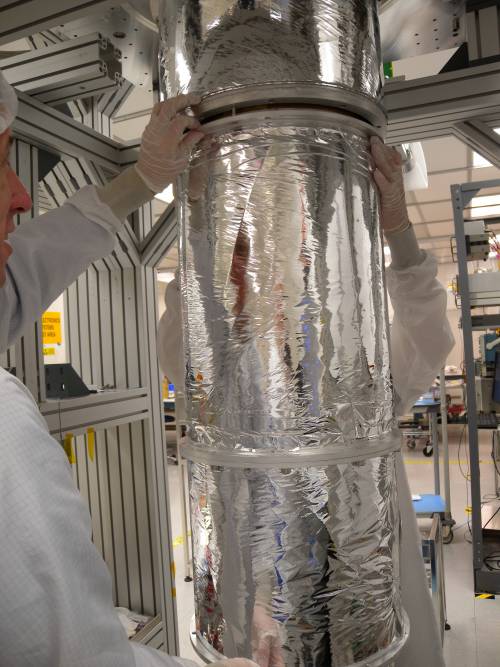 | dscn0544 Installing thermal shield cans |
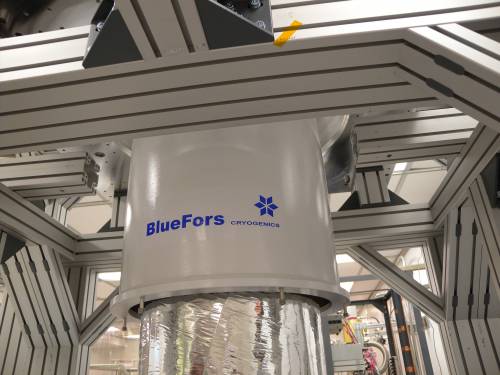 | dscn0545 At bottom flange of vacuum can, threaded rods wider at the ends - the joining flange has slots that are narrow to one side so that the can can be rotated and it's held in place. Then wing nuts with plastic washers tighten it down (see below) |
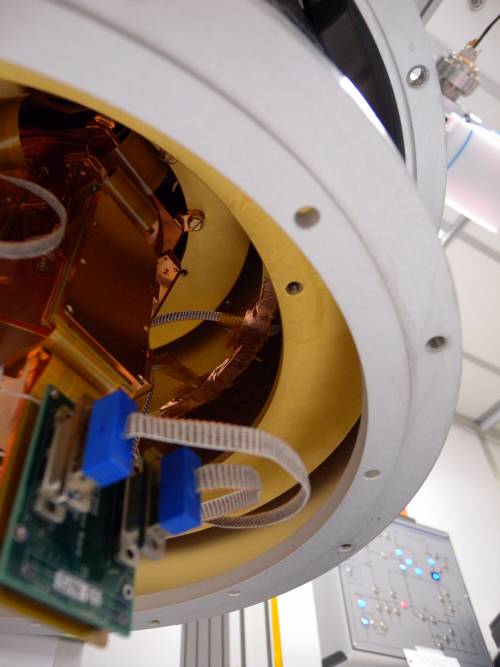 | dscn0546 |
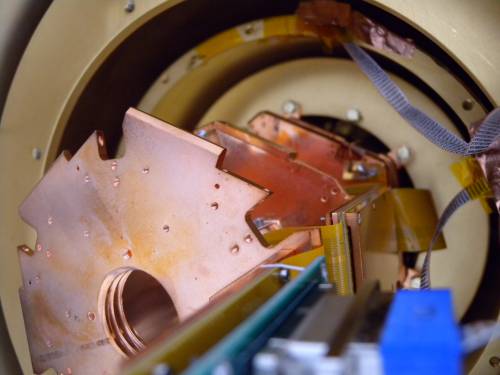 | dscn0547 |
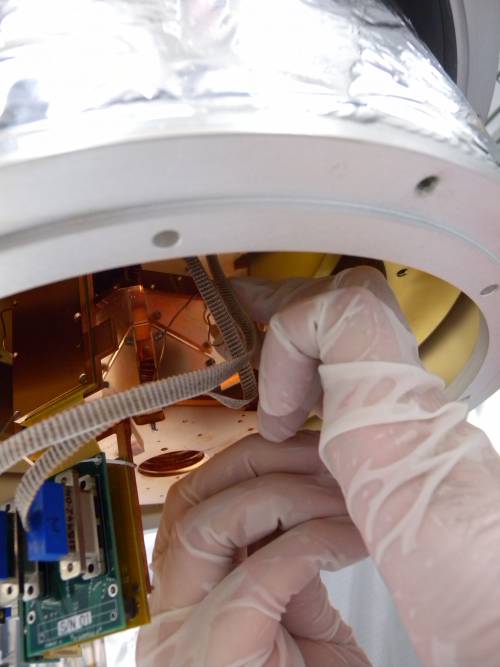 | dscn0548 Thick copper wires are attached to connect tower thermal stages. This is part of the special setup of this run (they don't have a superconducting vertical flex so they have to bring the whole tower to base). In this engineering tower the standoffs between stages are aluminum, so they don't conduct heat if they are below 1.2 K. |
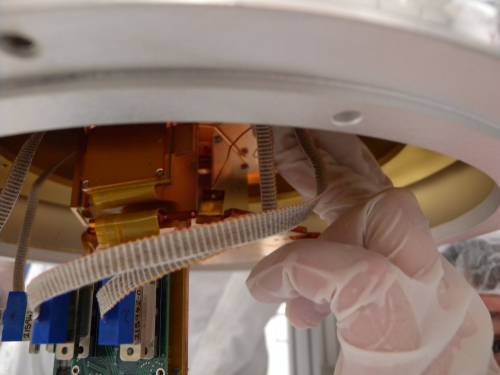 | dscn0549 |
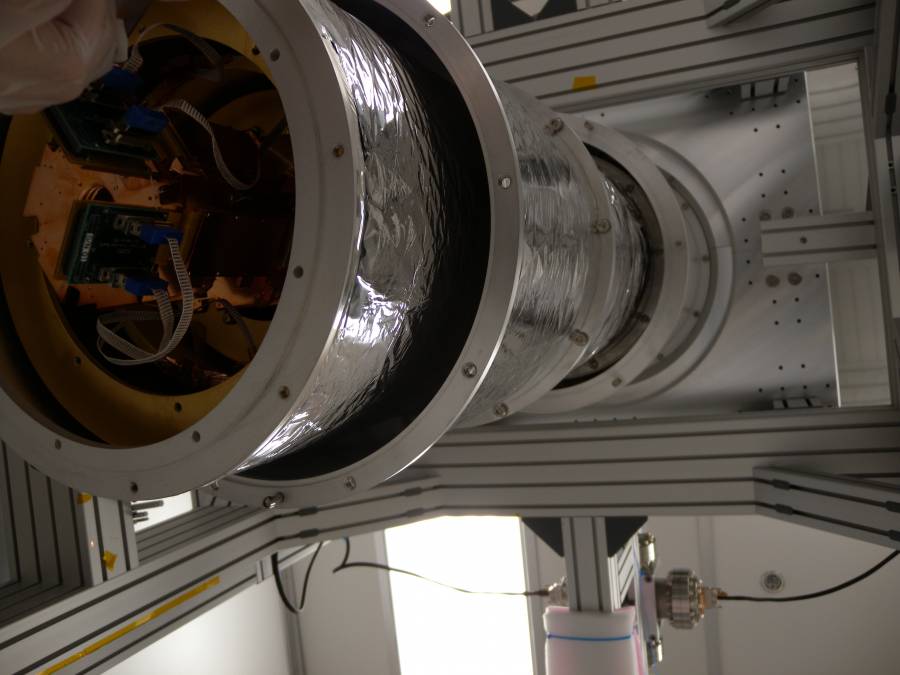 | dscn0550 The thermal shield pieces shown here are rather lightweight and easy to attach. |
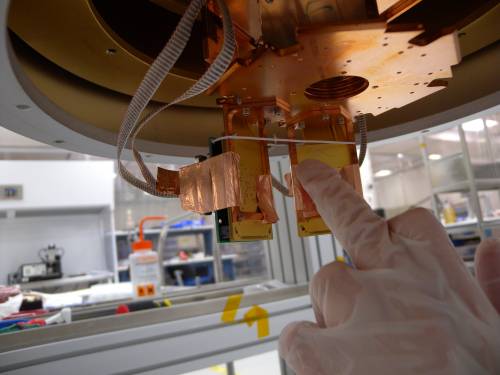
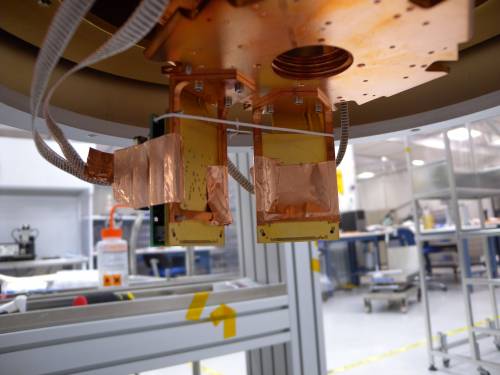
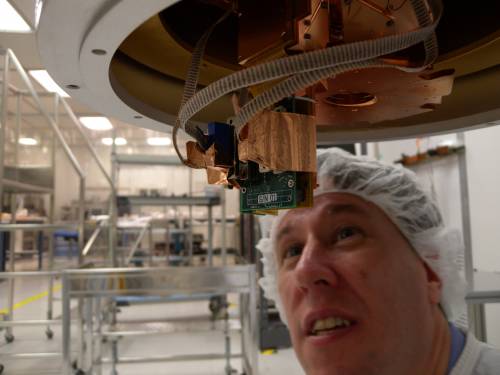 | dscn0551 Copper tape for better thermal connection between cable plugs and MC stage of tower, because in this setup cooldown of the whole tower is pretty slow. |
 | dscn0552 |
 | dscn0553 |
 | dscn0554 |
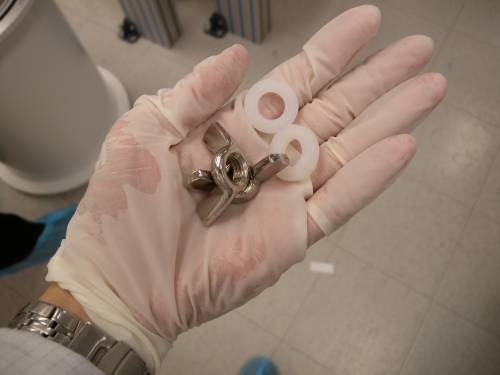 | dscn0555 Super-easy attachment of vacuum can pieces, wing nuts and washers. These are rubber o-ring seals - no indium necessary! A single vacuum can at room temperature (with multiple thermal shield layers inside). |
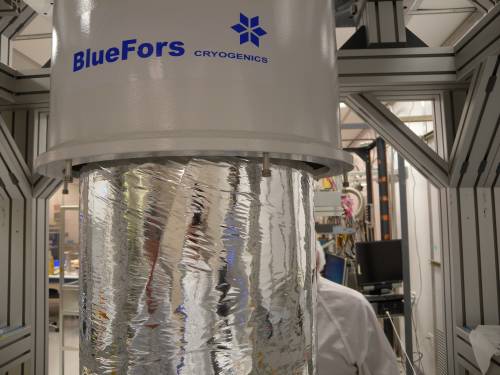 | dscn0556 |
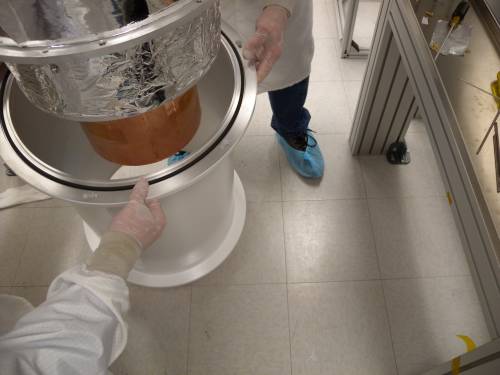 | dscn0557 Middle vacuum can piece going on |
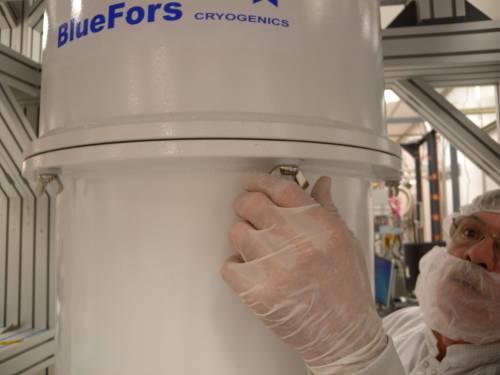 | dscn0558 Middle vacuum can piece going on |
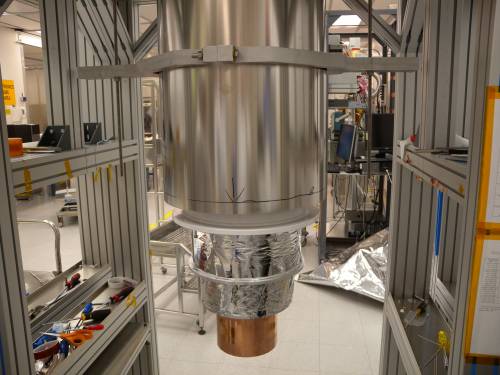 | dscn0559 Mu-metal shield, a little awkward to install. The ID is small enough to clear the vacuum can flanges but not the wingnuts unless they are parallel with the flange. So the wingnuts can't be tightened completely. Instead, when pumpout starts, Paul just pushes up the vacuum can from below so that the seals are pulled shut. |
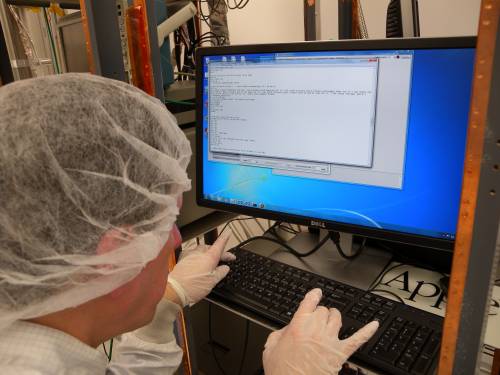 | dscn0560 Script for single-button cooldown. |
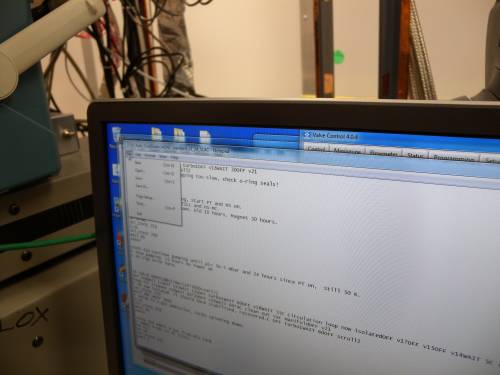 | dscn0561 Script starts rough-pumping, switches to turbo at appropriate time, starts cooling cycles at appropriate times. (LN cold trap fills are manual) |
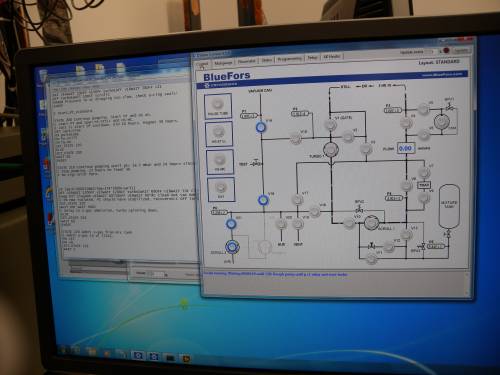 | dscn0562 GHS viewer |
 | dscn0563 BlueFors pen |
2 February 2017
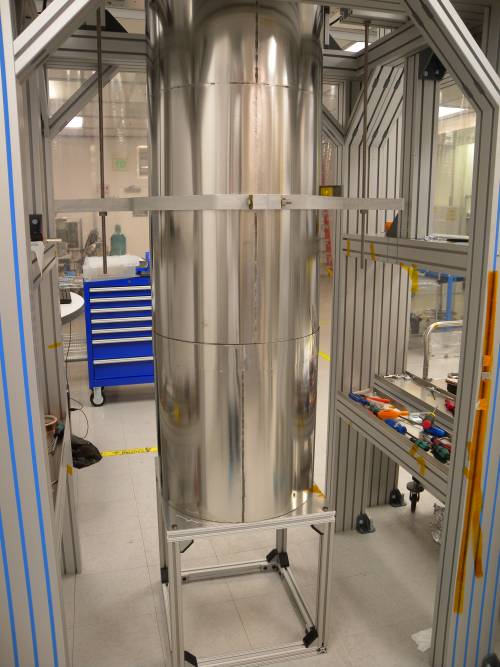 | dscn0566 Full mu-metal shield, a bottom piece has been added |
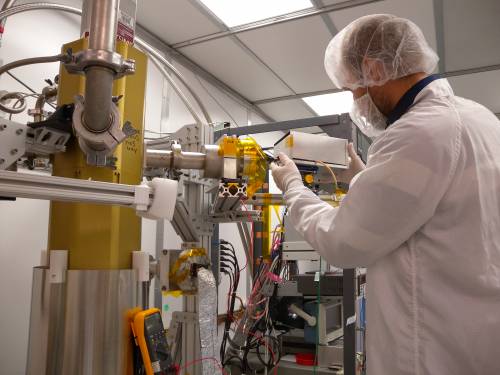 | dscn0567 The He-3 fridge, some samples being measured |
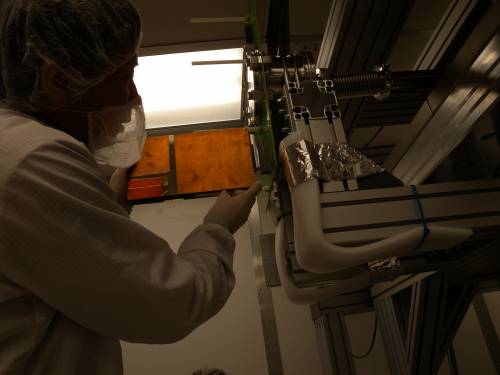 | dscn0568 Installing DCRC RevD |
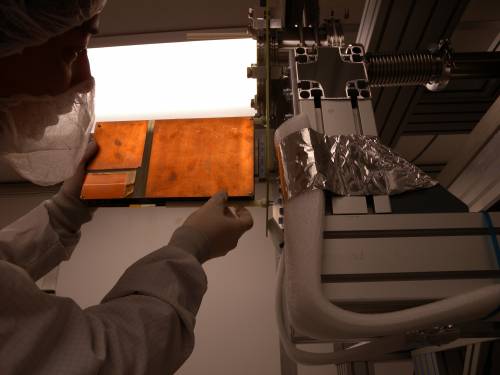 | dscn0569 Installing DCRC RevD. Guiding along alignment rods |
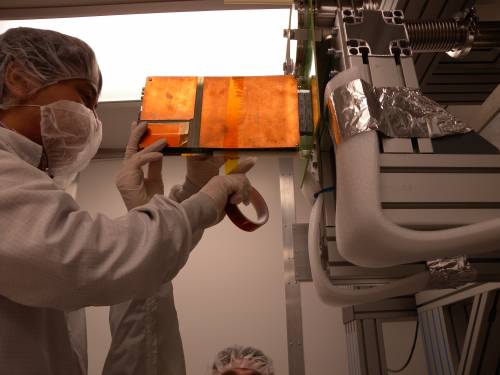 | dscn0570 Installing DCRC RevD. Taping down to alignment rods |
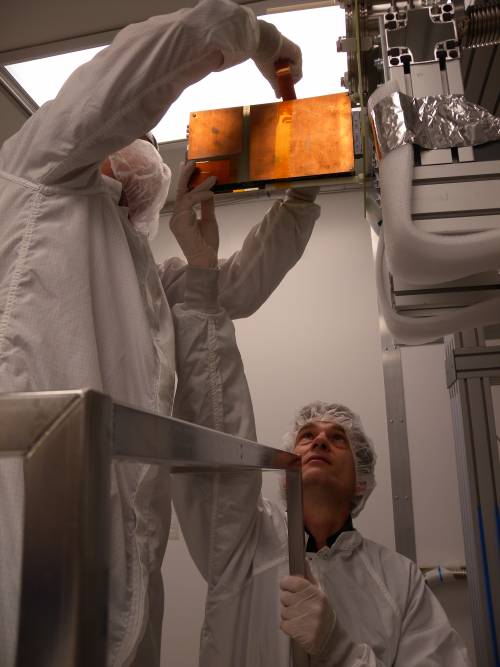 | dscn0571 Installing DCRC RevD. Note that the Vacuum Interface Board is aligned vertically here, normally it's meant to be horizontal. |
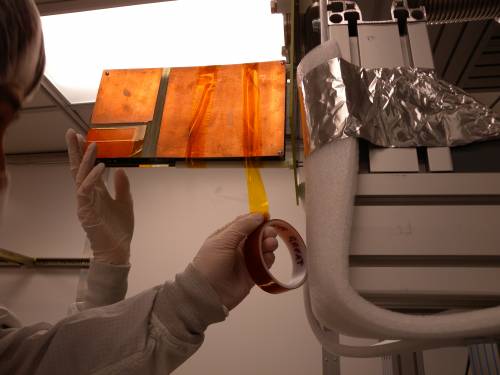 | dscn0572 Installing DCRC RevD |
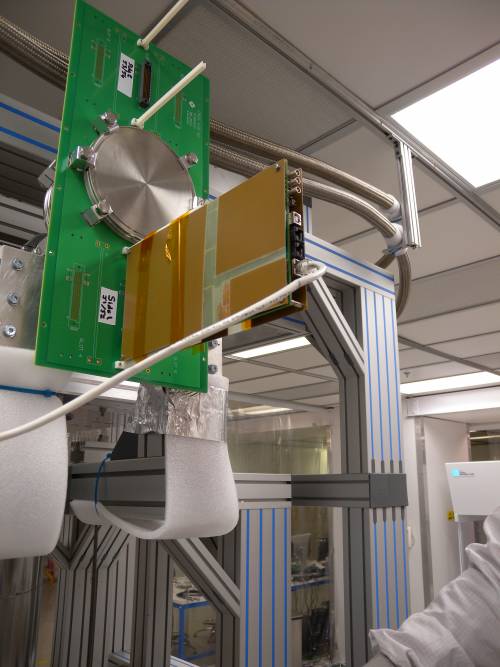 | dscn0573 DCRC installed and powered |
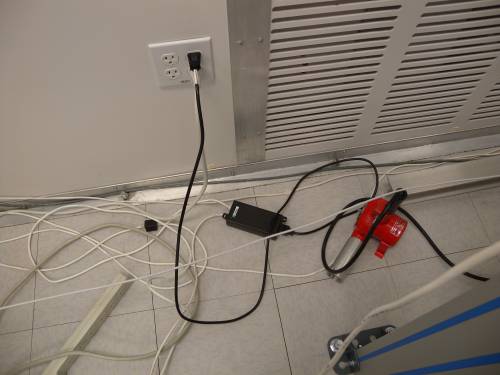 | dscn0574 Power Over Ethernet box |
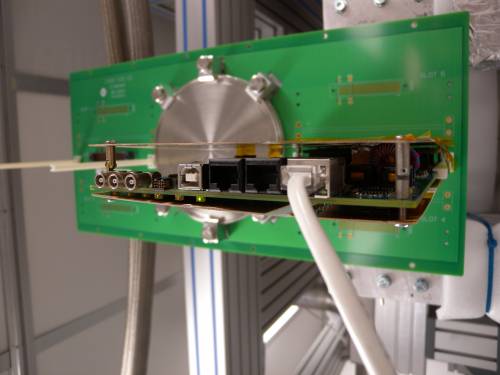 | dscn0575 DCRC DAQ-side |
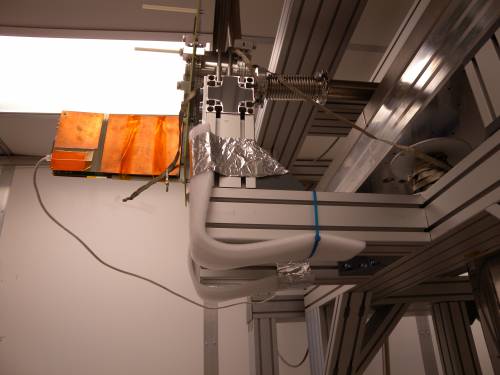 | dscn0576 DCRC and Ebox |
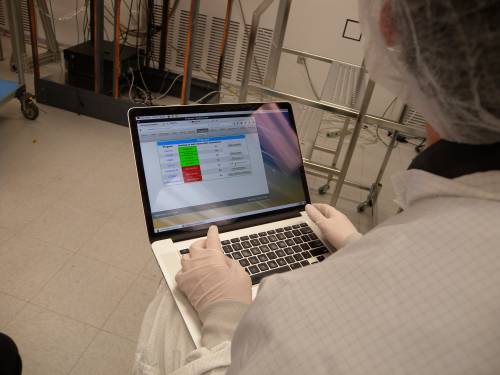 | dscn0577 MIDAS interface on Bruno's laptop |
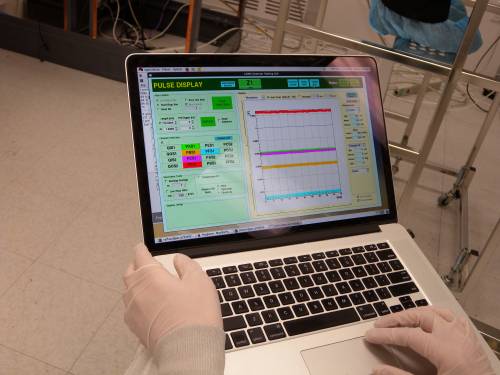 | dscn0578 SQUID tuning tool |
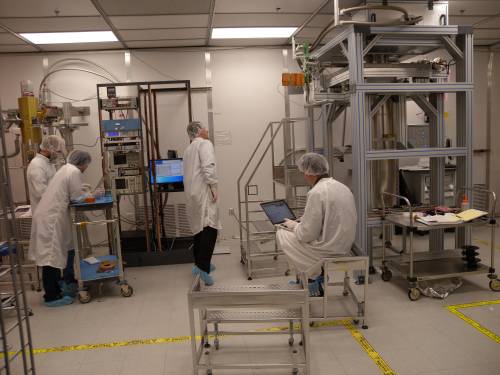 | dscn0579 Pelle, Tsuguo, Paul, Bruno |
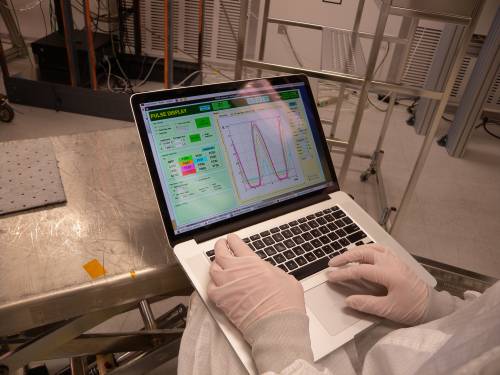 | dscn0580 SQUID tuning tool |
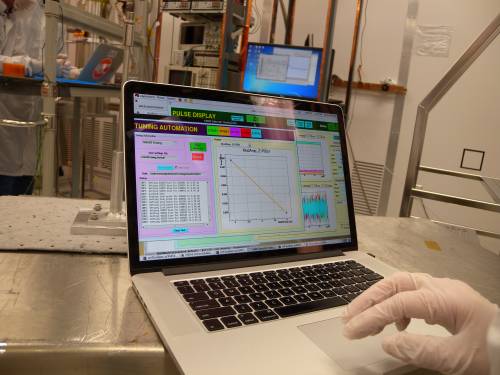 | dscn0581 SQUID tuning tool |
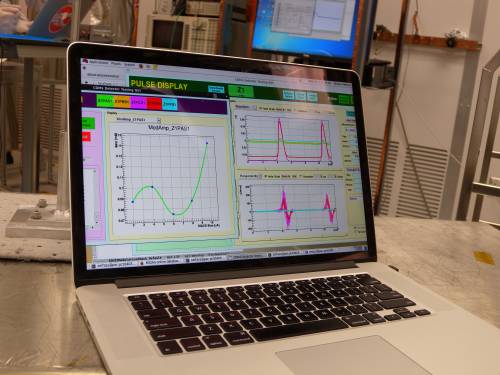 | dscn0582 SQUID tuning tool |
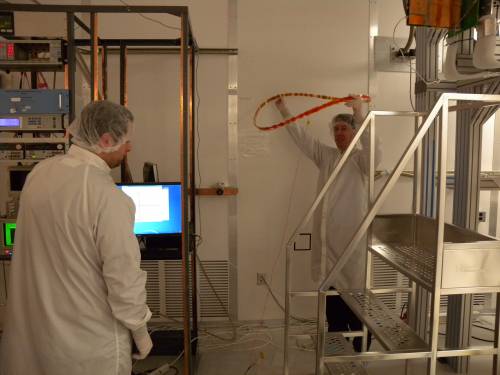 | dscn0583 Antenna to find noise sources. |
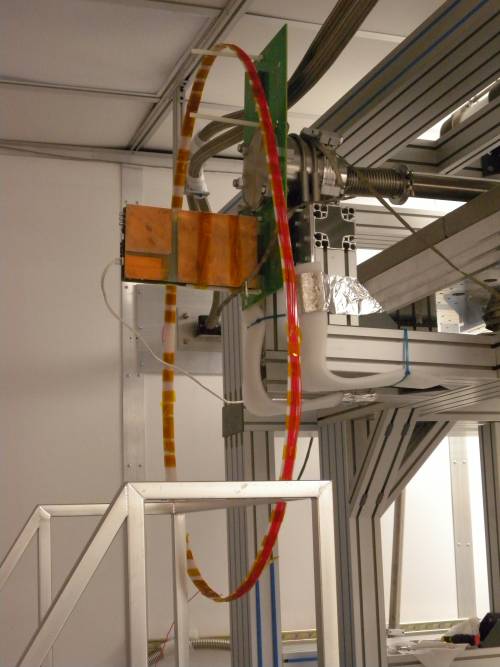 | dscn0584 Antenna identified flourescent lights as noise source |
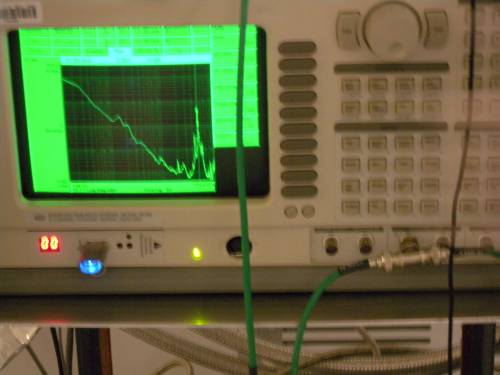 | dscn0585 Antenna read out by spectrum analyzer. POE box also identified as noise source |
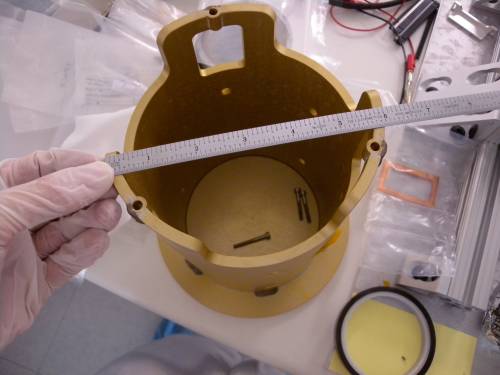 | dscn0586 Anodized aluminum tower cradle |
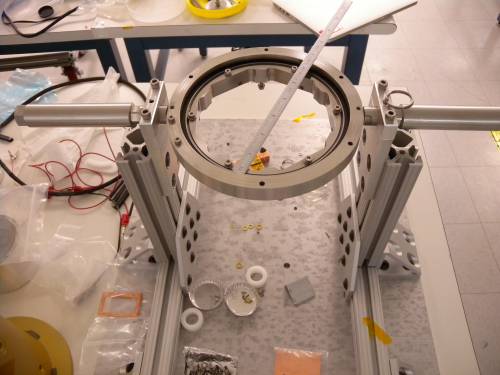 | dscn0587 Tower holder |
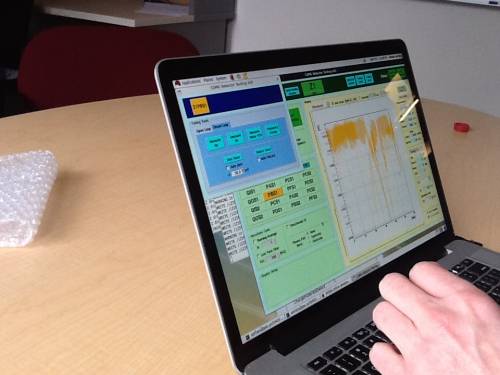 | 20170201image1.jpg First pulses from HV#1 |
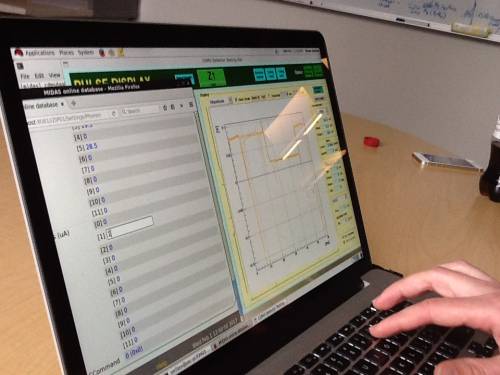 | 20170201image2.jpg Setting QET biases |
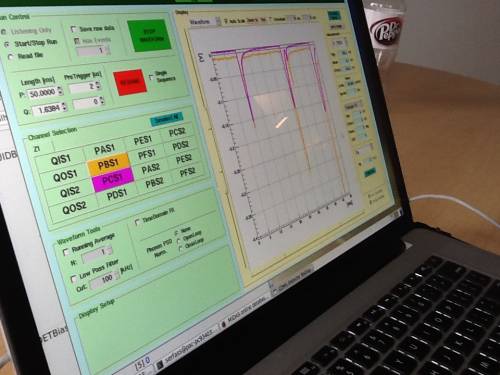 | 20170201image3.jpg Pulses from HV#1. Lab event background is around 100 Hz. |