2015/07/23 (Thursday)
| 0940 | Fill LN2 cold trap full. |
|---|---|
| 1005 | Stop baking detectors. |
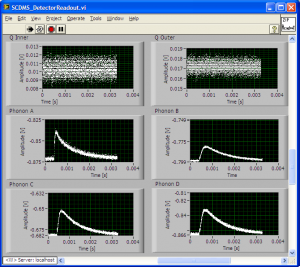
| 1045 | Tower Temp at 31.3mK. Commence phonon pulse study. Remove all but one DCRC board (DCRC33 on DIB2). The following table shows pulse shapes for various DCRC/filter combos when only DIB2 has a DCRC plugged into it. Ethernet cable #2 was used for all combinations. For pulse events, trigger thresholds set to values in table below: |
| pA | 25 |
|---|---|
| pB | 15 |
| pC | 25 |
| pD | 25 |
| 1145 | Unpower, add filter, and repower DCRC33 on DIB2. Set up the board and increase the QET biases by 20uA on every channel in order to see proper pulses. |
|---|
| DIB2 DCRC33 No Filter | ||
|---|---|---|
 |  |  |
| DIB2 DCRC33 Filter | ||
|---|---|---|
 |  |  |
| DIB2 DCRC33 No Filter Noise | ||
|---|---|---|
 |  |  |
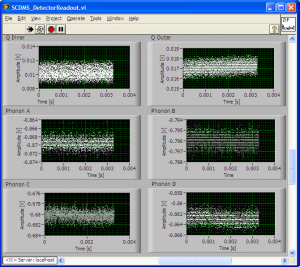
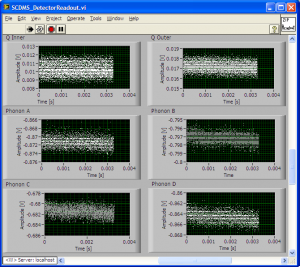
| DIB2 DCRC33 Filter Noise | ||
|---|---|---|
 |  |  |
| 1216 | Unpower and remove DCRC33 from DIB2. Attach DCRC50 with no filter to DIB2. Find and set SQUID Bias and Lockpoints, as shown in table below. Estimate QET Biases by eye. |
|---|
| DIB2 DCRC50 SQUID Settings | ||||
|---|---|---|---|---|
| Channel | Bias (mA) | Lockpoint (mV) | Vpp (mV) | QET Bias (mA) |
| A | -76.17 | -4.18 | 317 | 90 |
| B | -64.45 | -1.46 | 270 | 90 |
| C | -78.12 | -2.72 | 320 | 110 or 90? |
| D | -78.12 | -2.63 | 337 | 90 |
| 1235 | Take pulse and noise pictures for DCRC50 in DIB2 with no filter. Use trigger thresholds listed below. |
|---|
| pA | 20 |
|---|---|
| pB | 15 |
| pC | 25 |
| pD | 25 |
| 1245 | Unpower, add filter, and repower DCRC50 on DIB2. Set up the board and increase the QET biases by 20uA on every channel in order to see proper pulses. |
|---|
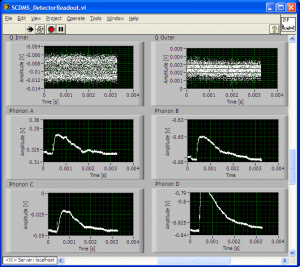
| DIB2 DCRC50 No Filter | ||
|---|---|---|
 | 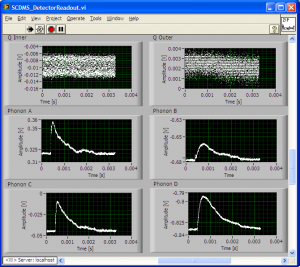 | 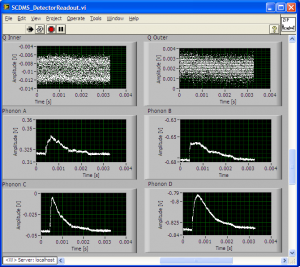 |
| DIB2 DCRC50 Filter | ||
|---|---|---|
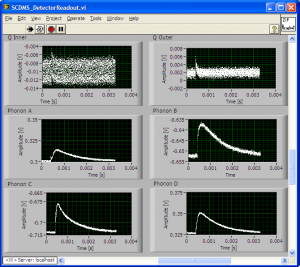 |  | 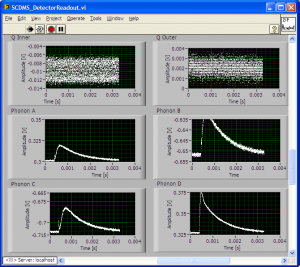 |
| DIB2 DCRC50 No Filter Noise | ||
|---|---|---|
 |  | 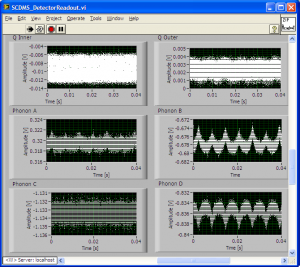 |
| DIB2 DCRC50 Filter Noise | ||
|---|---|---|
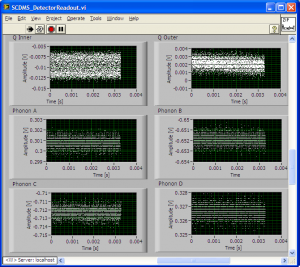 | 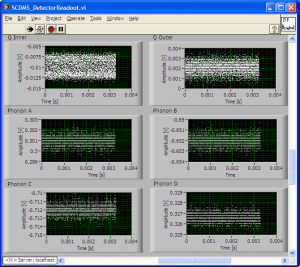 |  |
| 1316 | Unpower and remove DCRC50 from DIB2. Attach DCRC55 with no filter to DIB2. Find and set SQUID Bias and Lockpoints, as shown in table below. Estimate QET Biases by eye. |
|---|
| DIB2 DCRC55 SQUID Settings | ||||
|---|---|---|---|---|
| Channel | Bias (mA) | Lockpoint (mV) | Vpp (mV) | QET Bias (mA) |
| A | -76.17 | -2.82 | 330 | 100 |
| B | -64.45 | -1.17 | 259 | 100 |
| C | -72.27 | -3.31 | 284 | 120 |
| D | -80.08 | -2.04 | 269 | 100 |
| 1320 | Notice that DIB2 Channel B has weird modulation curves for both DCRC50 and DCRC55. Picture of modulation curve included below for clarity. |
|---|
| DIB2 DCRC55 Phonon Channel B Modulation Curve |
|---|
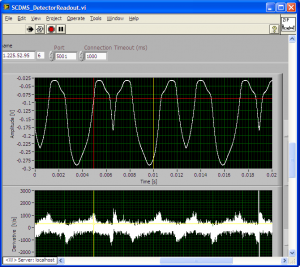 |
| 1340 | Take pulse and noise pictures for DCRC55 in DIB2 with no filter. Use trigger thresholds listed below. |
|---|
| pA | 20 |
|---|---|
| pB | 15 |
| pC | 15 |
| pD | 25 |
| 1350 | Notice odd noise sometimes present in DCRC55 pulses with no filter in. Picture included for clarity. |
|---|
| DIB2 DCRC55 Odd Noise in Phonon Pulses |
|---|
 |
| 1410 | Unpower, add filter, and repower DCRC55 on DIB2. Set up the board and increase the QET biases by 20uA on every channel in order to see proper pulses. |
|---|
| DIB2 DCRC55 No Filter | ||
|---|---|---|
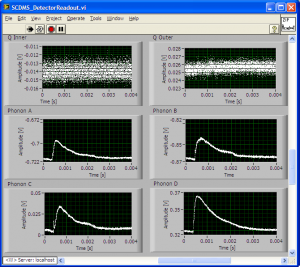 | 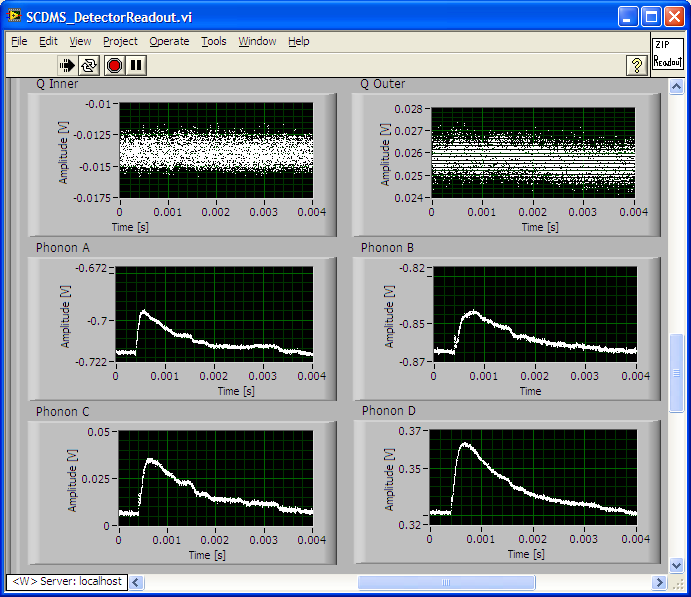 | 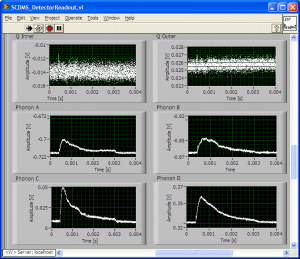 |
| DIB2 DCRC55 Filter | ||
|---|---|---|
 |  |  |
| DIB2 DCRC55 No Filter Noise | ||
|---|---|---|
 |  | 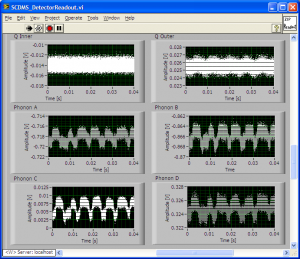 |
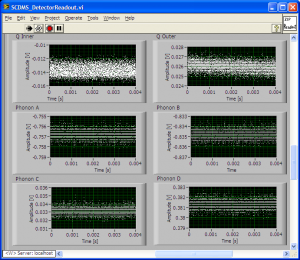
| DIB2 DCRC55 Filter Noise | ||
|---|---|---|
 |  |  |
| 1536 | Unpower and remove DCRC55 from DIB2. Attach DCRC31 with no filter to DIB2. Find and set SQUID Bias and Lockpoints, as shown in table below. Estimate QET Biases by eye. |
|---|
| DIB2 DCRC31 SQUID Settings | ||||
|---|---|---|---|---|
| Channel | Bias (mA) | Lockpoint (mV) | Vpp (mV) | QET Bias (mA) |
| A | -76.17 | -2.82 | 330 | 100 |
| B | -64.45 | -1.17 | 259 | 100 |
| C | -72.27 | -3.31 | 284 | 120 |
| D | -80.08 | -2.04 | 269 | 100 |
| 1545 | Take pulse and noise pictures for DCRC31 in DIB2 with no filter. Use trigger thresholds listed below. |
|---|
| pA | 20 |
|---|---|
| pB | 15 |
| pC | 15 |
| pD | 20 |
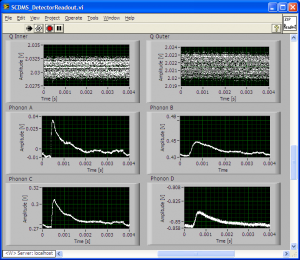
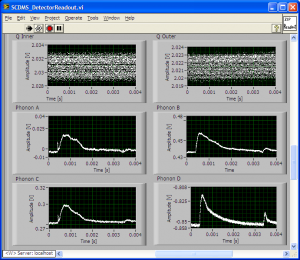
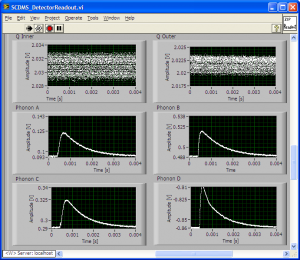
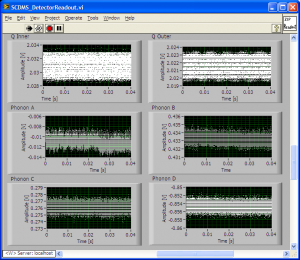
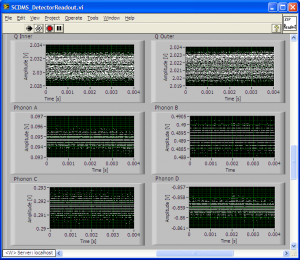
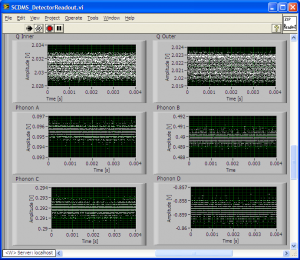
| 1615 | Unpower, add filter, and repower DCRC31 on DIB2. Set up the board and increase the QET biases by 20uA on every channel in order to see proper pulses. |
|---|
| DIB2 DCRC31 No Filter | ||
|---|---|---|
 | 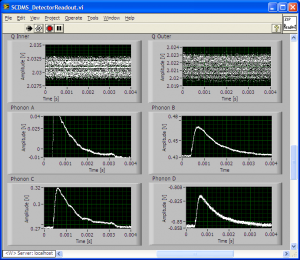 |  |
| DIB2 DCRC31 Filter | ||
|---|---|---|
 |  |  |
| DIB2 DCRC31 No Filter Noise | ||
|---|---|---|
 |  |  |
| DIB2 DCRC31 Filter Noise | ||
|---|---|---|
 |  |  |