MIDAS Error Reproduction Evidence
SQUID Control Settings Window Shows Settings For Incorrect Channel
| Reproduction: | |
|---|---|
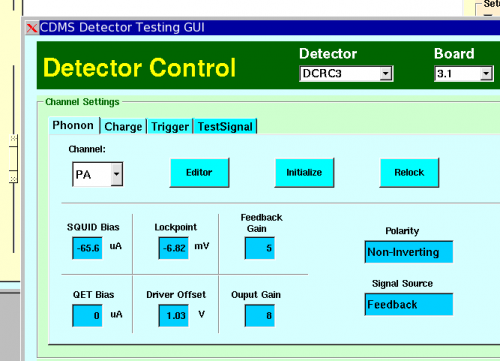
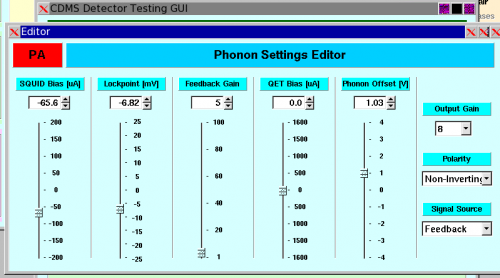
| 1. Open SQUID Control Settings Window by clicking purple SQUID Control button. | 2. Look at/edit settings for one channel's SQUID/QET settings. |
 |  |
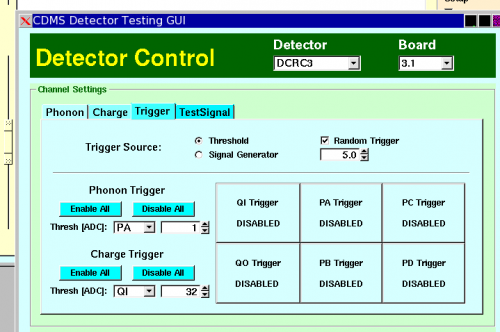
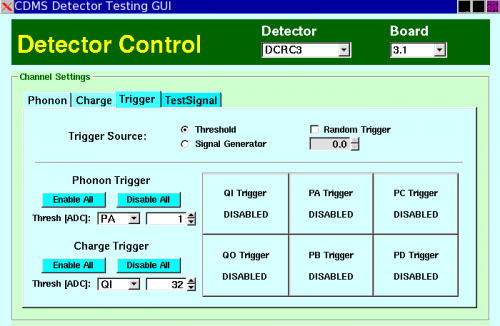
| 3. Close editor, and switch tab to trigger settings editor. | 4. Modify trigger settings somehow. |
 |  |
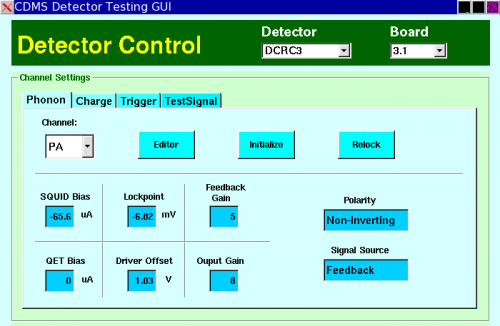
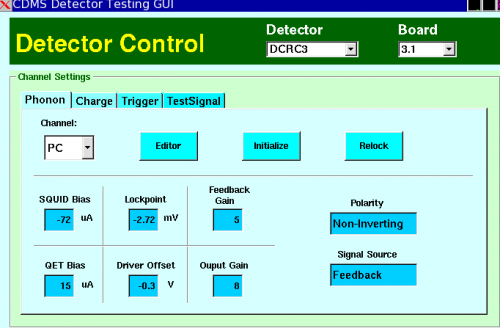
| 5.Switch back to Phonon Tab. | 6. Switch phonon channel in dropdown menu. Visible settings change to match. |
 |  |
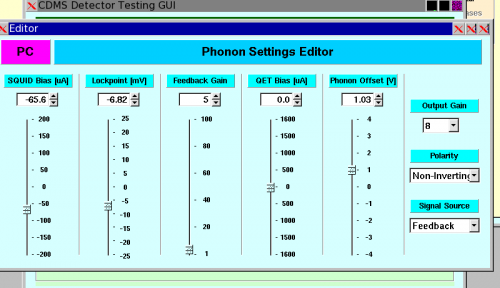
| 7. The moment of truth. Open editor window. Settings shown are the settings for the previous channel (not those shown in last image). | |
 | |